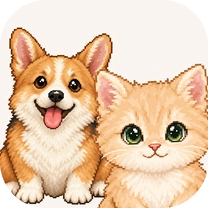
Born from your pet's photo,
your own Dotmong







Make a Dotmong from your pet's photo
Meet a Dotmong that takes after your pet, made from a single photo.
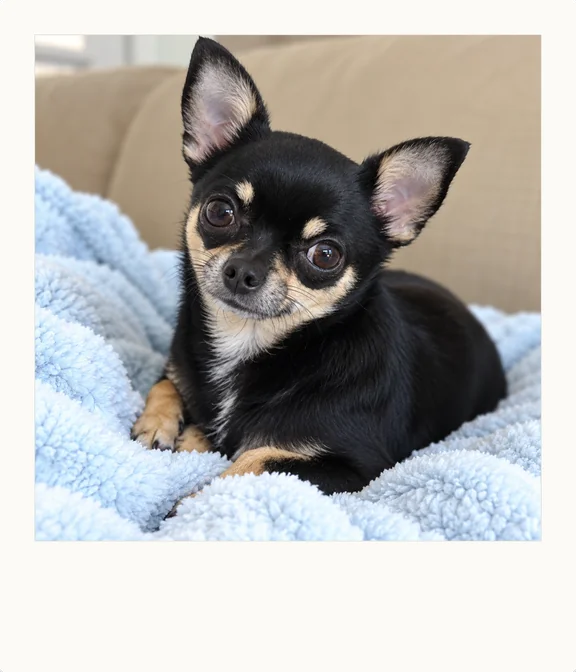


Try writing back to the letter that arrives every day.
Share what's on your heart, and each day will become a new memory.
Your days add up on the calendar
Your replies, photos, and the numbers you log all gather in that day's square.
-
Calendar 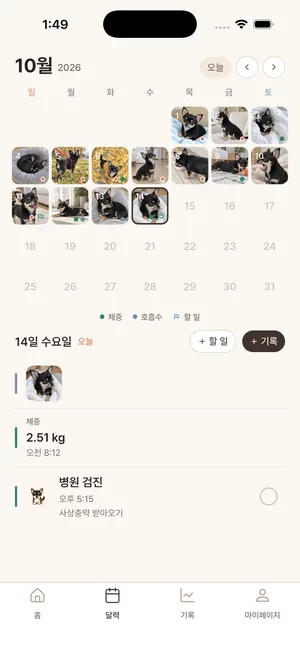
-
Records You can see the numbers you log as a graph, pet by pet. 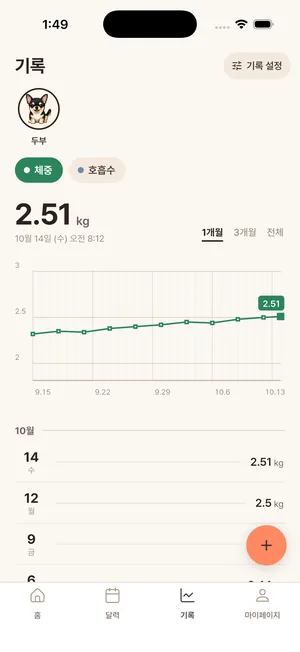
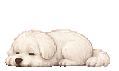
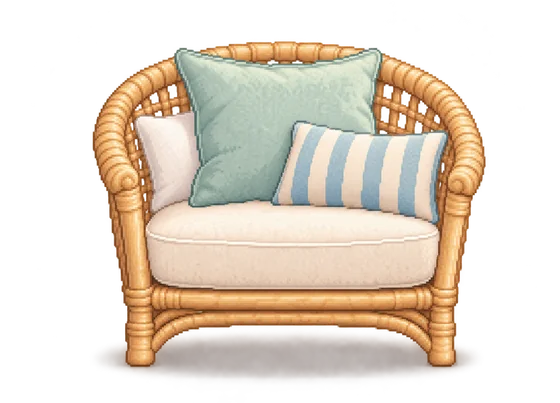
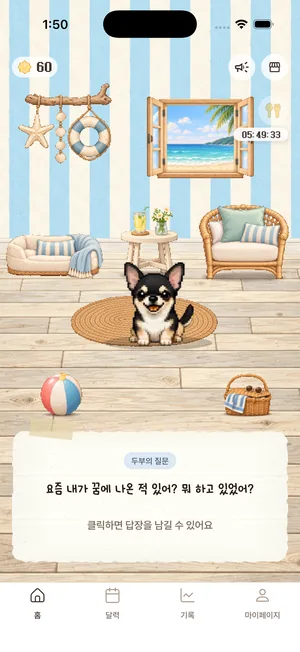
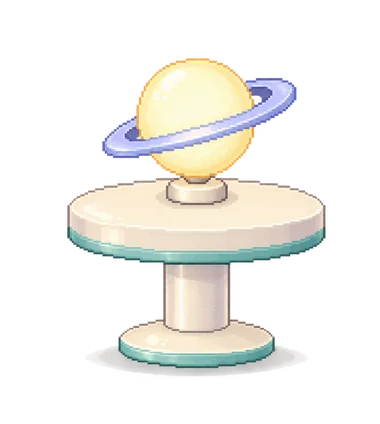
Decorate your Dotmong's room
You can change the wallpaper and floor, and place furniture and decor.
Frequently asked questions
- What kind of photos should I upload?
- All you need is 1–3 photos that show your pet's features.
- Is it only for dogs and cats?
- Right now, only dogs and cats are supported. We plan to support more animals in the future.
- What happens to the photos I upload?
- They're used only to make your Dotmong. Location and device details saved in the photo are removed the moment you upload it, and the photo is sent to the external AI that draws your Dotmong on the condition that it won't be used for training. If you delete your account, your photos are deleted too.
- What if I have more than one pet?
- You can make a Dotmong for each of your pets. Your first one after signing up is free to make, and you'll need Stardust to make a second Dotmong.
- Can other people see the letters I write?
- Letters are kept private as a rule, and you can share them outside the app when you choose to.
Meet your Dotmong today